Templates

Website templates that match your academic brand’s persona.

Pick one and your courses, faculty and results fill it. Change it later and nothing is lost.
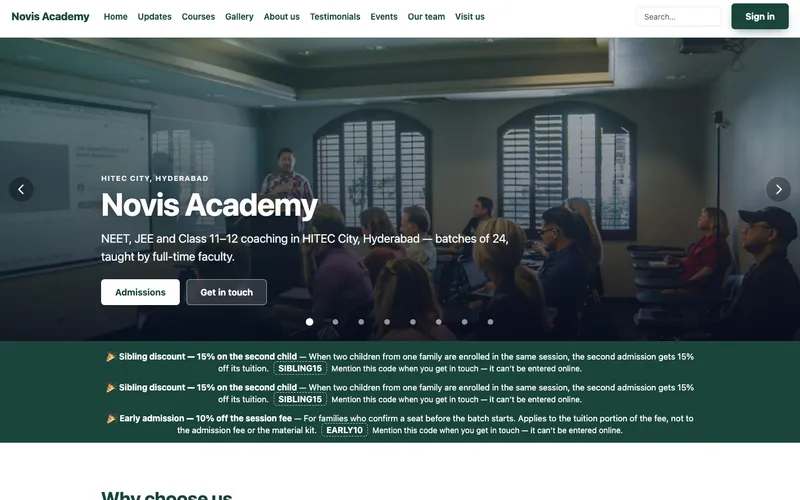
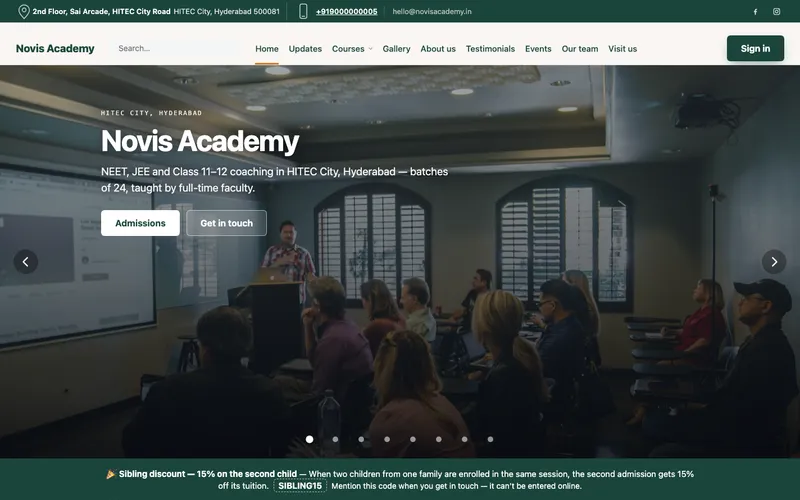
  • Academy template, home page: the institute name over a classroom photograph, shown with a demo institute
    AcademyCoaching that leads with results, then the faculty
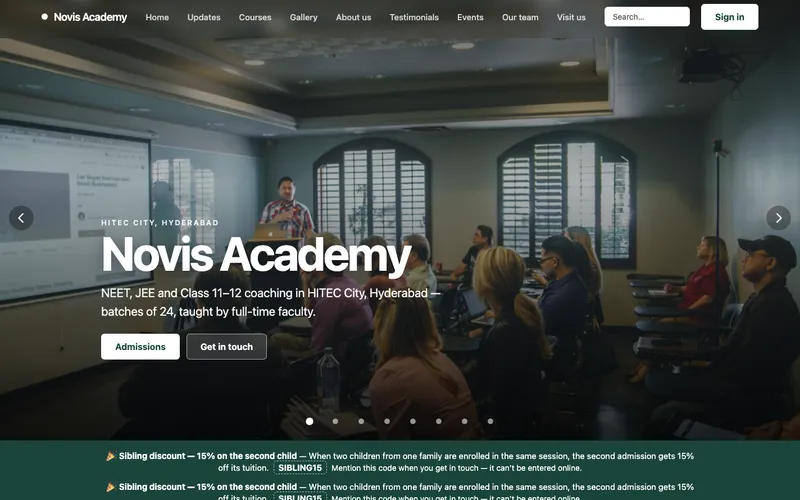
  • Campus template, home page: a full-width classroom photograph under the institute name, shown with a demo institute
    CampusCentres that show the place, then the batches still open
  • Prospectus template, home page: the institute name over a photograph, shown with a demo institute
    ProspectusCentres whose case is the timetable and the fees
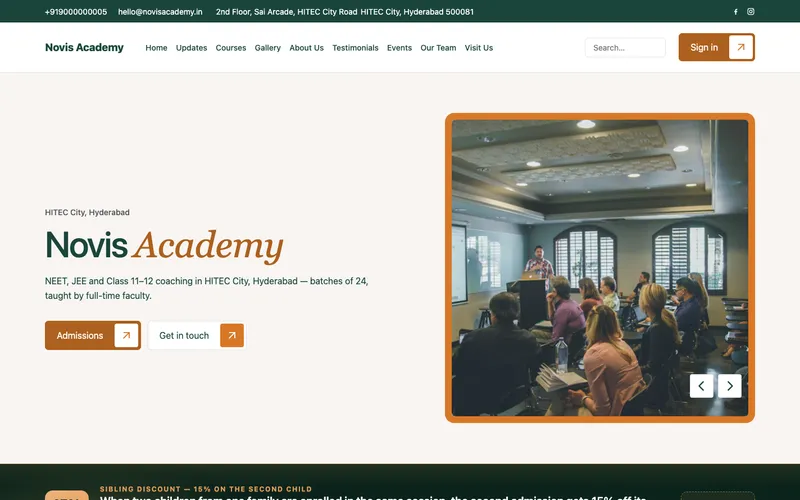
  • Syllabus template, home page: a split hero with the institute name and a photograph, shown with a demo institute
    SyllabusAcademies that sell courses rather than a campus
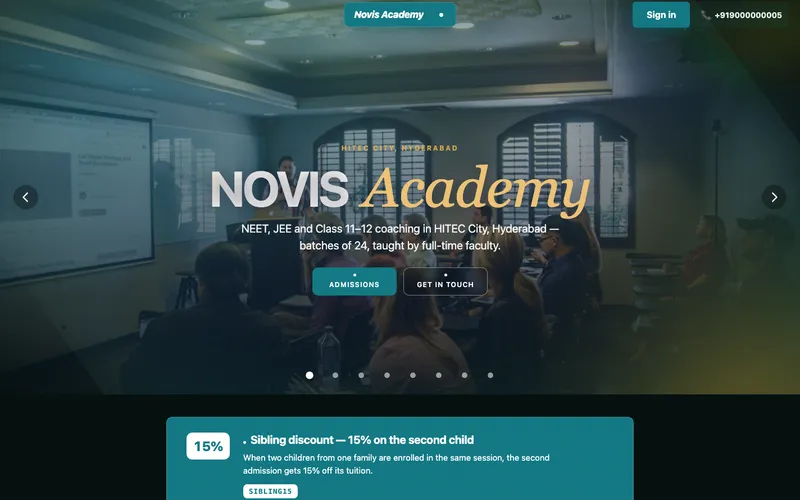
  • Kinetic template, home page: a dark hero with the institute name in large type, shown with a demo institute
    KineticCentres selling ambition to the student
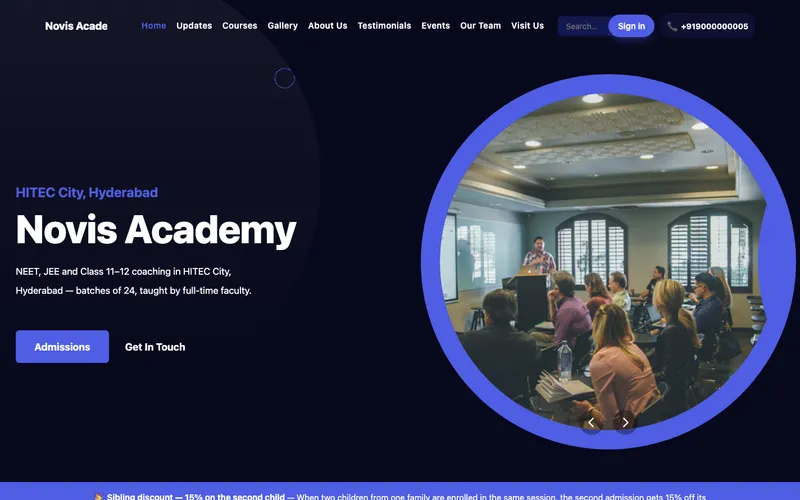
  • Dark template, home page: a deep navy hero with a circular photograph, shown with a demo institute
    DarkAcademies selling courses to adults

In every template

Everything an institute website needs.

Pick the look. The course pages and the admissions button come with it.

Courses

Shows every course

  • Courses, intakes, faculty and toppers
  • Change a fee once and it changes on every page
  • Each course published with its fee and dated batches

Admissions

Brings families in

  • The enquiry form and the admission button
  • Enquiries land on your admissions board
  • Families sign in with a code sent to their phone

Looks

Fits your kind of institute

  • Exam prep & coaching
  • College & university
  • Vocational training
  • Coding & STEM
  • Sports academy
  • Pre-school
  • Hindi and English

Ownership

Stays yours

  • Your own domain, with hosting and SSL included
  • Change the template later and nothing is lost
  • Export your data anytime

How it works

From picker to live, the same day.

You type only your courses and fees.

  1. Search your institute

    We look in Google Business Profile, Maps and your current website.

  2. Confirm it's yours

    Nothing is published yet.

  3. Pick a look

    Your courses, faculty and results fill it.

  4. Publish

    Live on a boost360.site address the same day.

Questions

Template questions.

Anything else, ask on WhatsApp after you watch the demo.

Watch the demo
Can I use my own domain?

Yes. Hosting, SSL and the website are in every plan. You go live on a boost360.site address and can point your own domain at it whenever you like.

Do I have to move everything on day one?

No. Start with the website and admissions; the timetable and fees can follow. A section with nothing in it is simply left off your website.

Demo videos

Take the tour of Boost360 Education with Sia.

Sia, your Super Intelligence Agent, shows you everything Boost360 Education does in two short videos.


  1. 1Part 1: what students and parents see
  2. 2Part 2: how you and your staff run it
  3. Tour links also come to your email and WhatsApp.
Sia, your Super Intelligence Agent, pointing at the form

We use your details only for this demo. Tour links also come to your email and WhatsApp. Prefer to talk first? Get in touch

Boost360 Education demo

Ready to try it on your institute?

Start 14-day Free Trial